
How to Link Your Etsy Shop to Pinterest in 2026
To link your Etsy shop to Pinterest, add the shop URL to your Pinterest business profile, organize Pins into clear buyer-topic boards and give every Pin a direct link to the matching Etsy listing, shop section or approved article. You cannot normally claim an Etsy marketplace shop as an owned website, but you can still send relevant Pinterest traffic to it.
Key takeaways
- Adding an Etsy shop link to your Pinterest profile is different from claiming a website.
- A product Pin should normally open the exact listing shown in the Pin, not a general homepage.
- Clear board names such as “Wedding Printables” give shoppers and Pinterest more context than “Ideas.”
- Check the final public URL after publishing so tracking links, redirects and mobile pages work.
- Use Pinterest's AI-modified disclosure whenever the Pin graphic was created or materially changed with AI.
This setup removes a common source of wasted clicks: a shopper sees one product or promise, clicks, then lands somewhere unrelated. The goal is a simple path from search phrase to Pin, from Pin to board and from board to the exact page that completes the task.
How to link an Etsy shop to Pinterest step by step
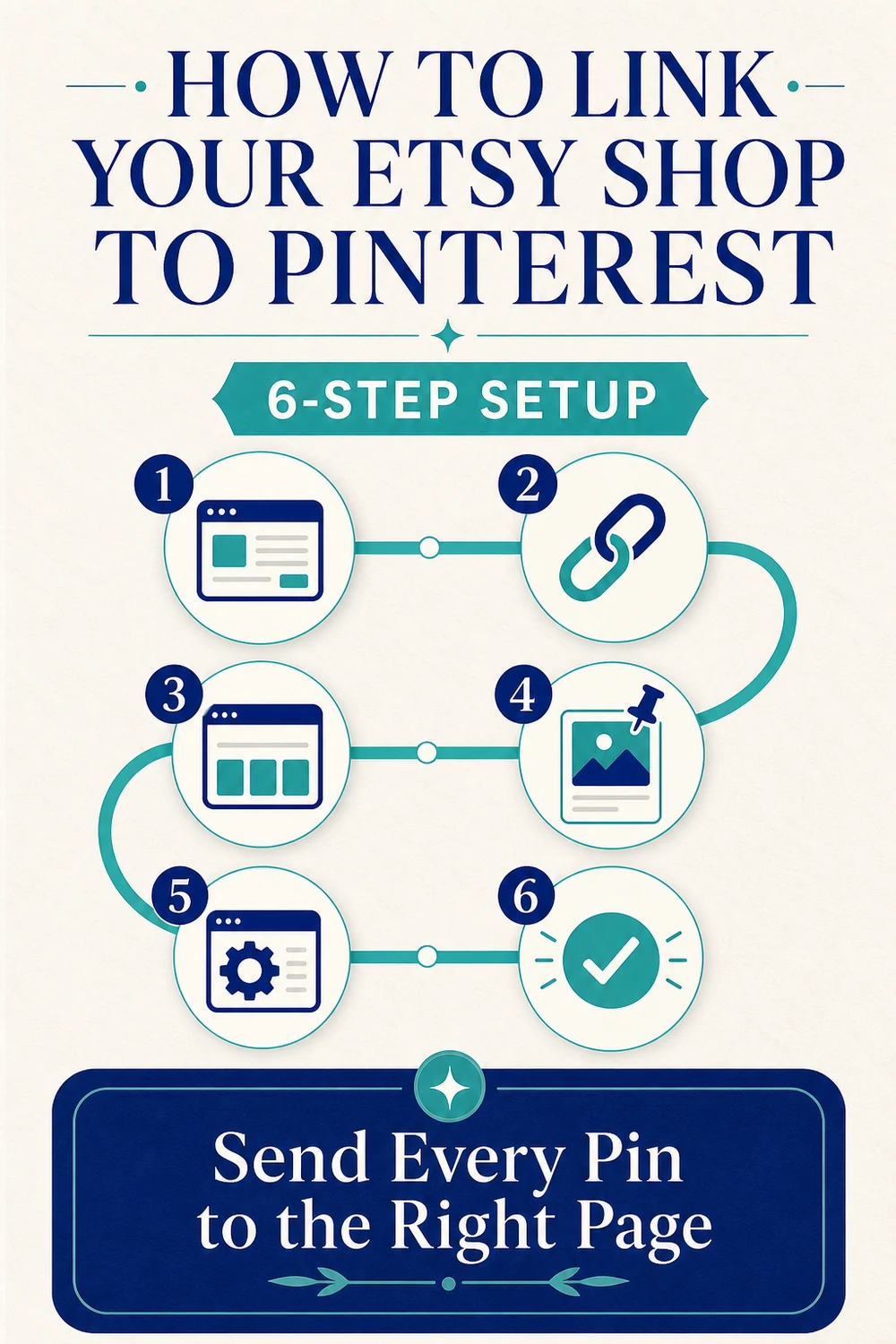
- Use a Pinterest business account. This gives you analytics, scheduling and other business publishing tools.
- Add your Etsy shop URL to your Pinterest profile. Etsy says a public shop can use either
shopname.etsy.comorwww.etsy.com/shop/shopname. Use the real live address for your shop. - Create boards around buyer topics. A board should describe what shoppers will find there, not use an internal collection name.
- Create the Pin with one clear promise. Add a keyword-led title, useful description, direct destination, relevant board and descriptive alt text.
- Use the most specific Etsy destination. Choose the product listing for a product Pin, a shop section for a category Pin or the shop homepage for a true store-wide message.
- Publish and test the click. Open the live Pin, use its visit link and confirm the intended public page loads without a sign-in wall or broken redirect.
Etsy also provides a social media sharing tool, and Etsy sellers enrolled in Share & Save can use eligible trackable shop or listing links. Those tools can help with sharing and attribution, but they do not replace message matching. A Pin about a specific bookkeeping spreadsheet should still open that spreadsheet listing, not a mixed shop page.
Can you claim an Etsy shop on Pinterest?
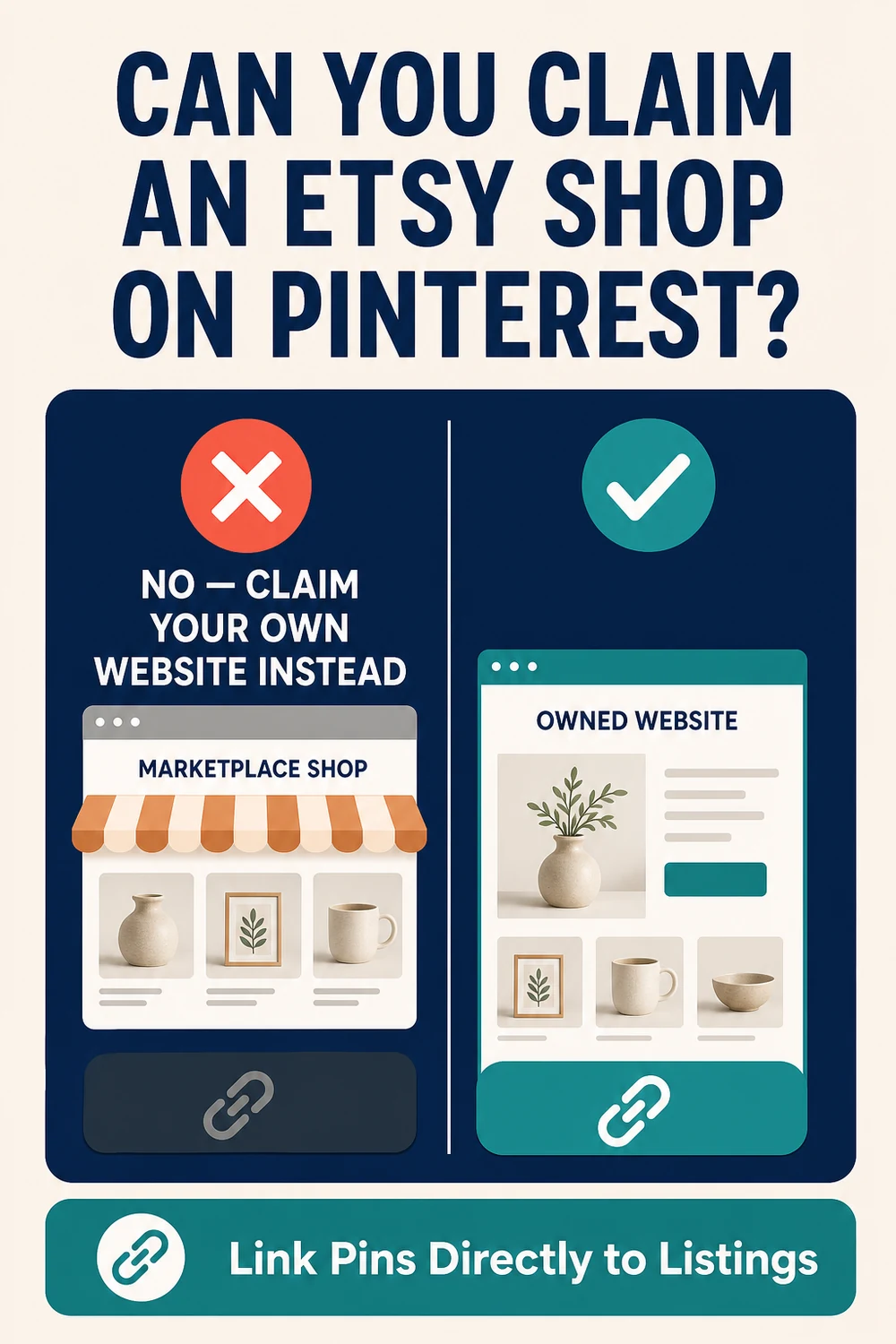
You usually cannot claim an Etsy shop as your website on Pinterest. Pinterest explains that claiming requires control of the website's source code or domain records. Marketplace sellers generally do not have that access for Etsy, eBay or Amazon pages.
This does not mean Etsy links are blocked. You can add the shop URL to your Pinterest profile and use direct listing links in Pins. The limitation is about ownership verification, not ordinary linking.
If you own a separate domain, you can claim that site by adding Pinterest's verification tag, file or domain record. A claimed website can connect saved content from that site with your Pinterest profile and provide additional insight. For Deemwell, the owned website is the claimed destination; educational Pins can link to a matching guide, and product Pins can use the approved product or marketplace page that best completes the promise.
Pinterest board names for Etsy sellers
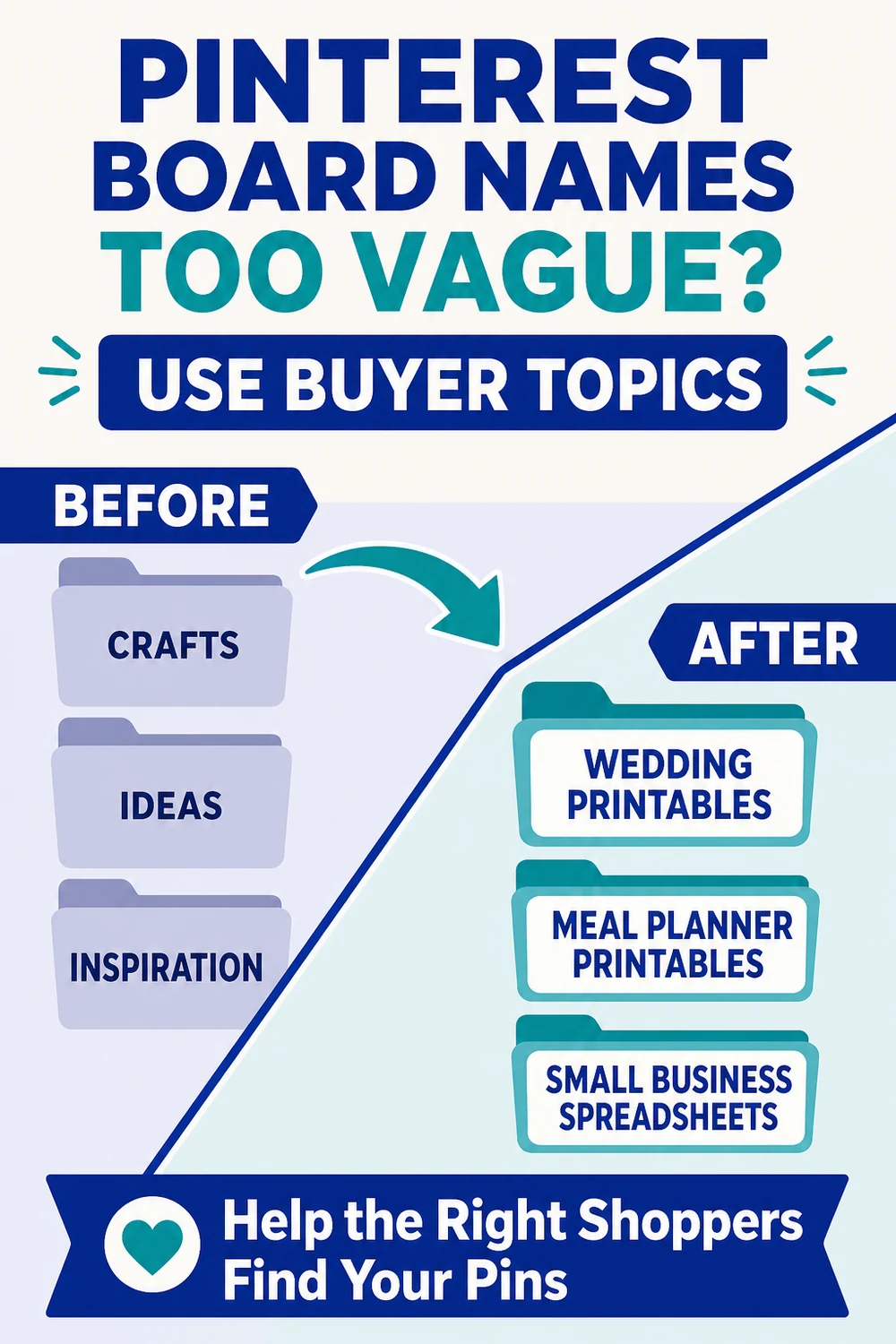
Use plain category and problem phrases that match the products or advice inside the board. Etsy's own Pinterest guidance recommends clear board names, accurate categories and useful descriptions. Pinterest also uses board context to understand Pins.
| Too vague | Clear buyer topic | What belongs there |
|---|---|---|
| Crafts | Wedding Printables | Invitations, signs, planning sheets and checklists |
| Ideas | Meal Planner Printables | Weekly meal plans, grocery lists and menu templates |
| Inspiration | Small Business Spreadsheets | Bookkeeping, client tracking and job-costing tools |
Avoid creating a board for every individual listing. Group closely related products and buyer questions under one recognizable topic. If two boards would contain the same Pins and answer the same search intent, combine them. This keeps the account easier to understand and reduces duplicate publishing.
For more help with titles, descriptions and image text, use the Pinterest keyword placement checklist.
Match one Pin to one Etsy listing or page
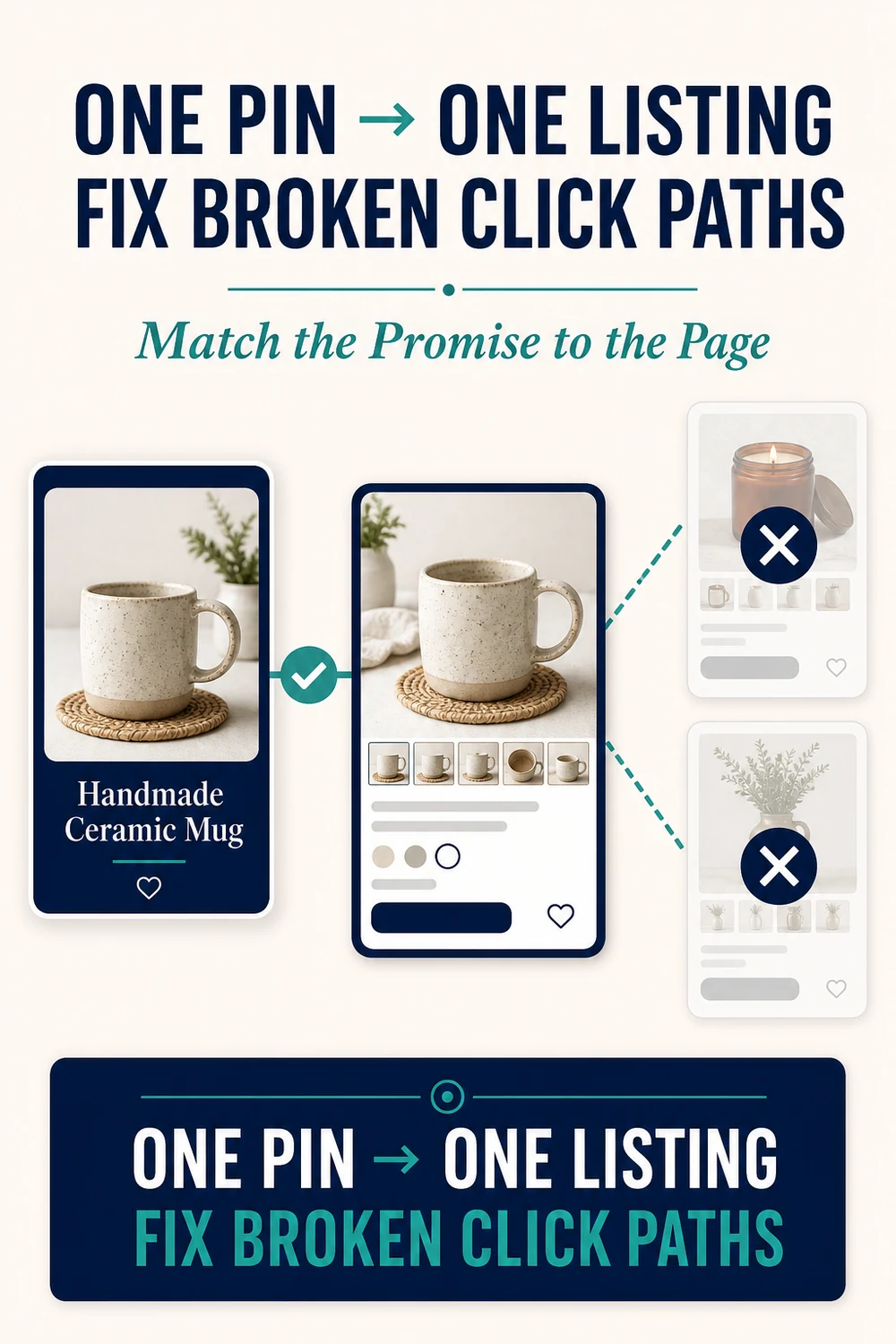
Use a one-to-one decision rule: identify the main promise on the Pin, then choose the page that answers it with the fewest extra steps.
- Specific product: link to the exact Etsy listing.
- Product category: link to the matching Etsy shop section.
- How-to or checklist: link to the exact article section that teaches it.
- Store-wide message: link to the Etsy shop homepage only when the whole shop is genuinely the topic.
Several Pins may link to the same listing when they serve different relevant questions. A wedding budget spreadsheet could support a category checklist, a hidden-expense guide and a product demonstration. Each visual and description should be distinct, and the listing must clearly support all three promises.
Etsy Pin setup checklist before publishing
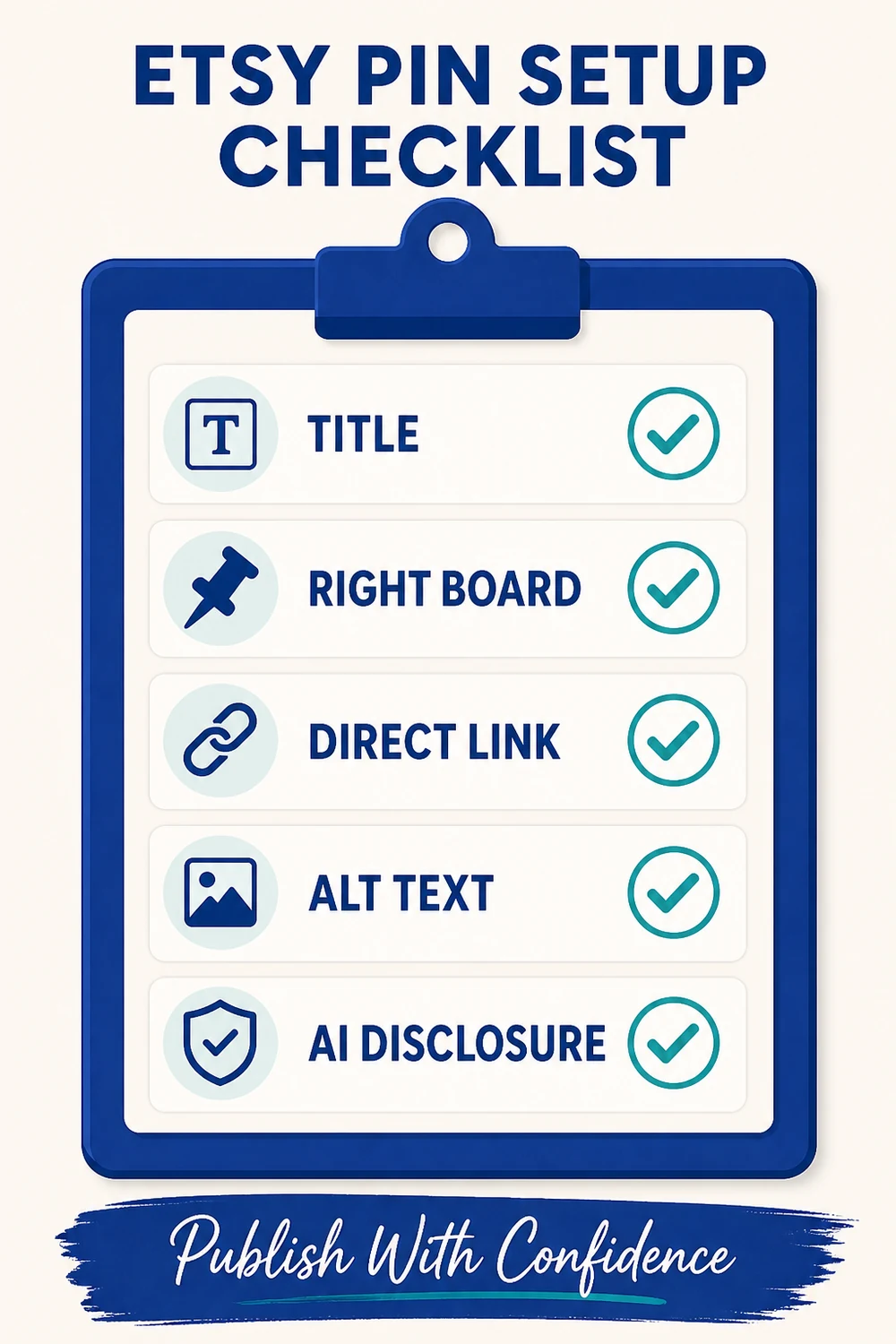
- Title: put the real buyer-search phrase near the beginning and state the useful outcome.
- Right board: choose the existing board whose topic most closely matches the Pin.
- Direct link: use the exact public listing, section or article URL and remove accidental editor or preview links.
- Alt text: describe the visible graphic and its helpful content for someone who cannot see the image.
- AI disclosure: mark the Pin as AI-modified when AI created or materially changed the graphic. Do not mark an AI-generated person unless a generated person is actually present.
After publishing, open the Pin from the board rather than trusting the editor confirmation alone. Check the title, board, disclosure and destination. If scheduling is available, stagger Pins across the day so the account does not release the entire batch at once.
Five Pinterest profile signals to check when traffic is stuck
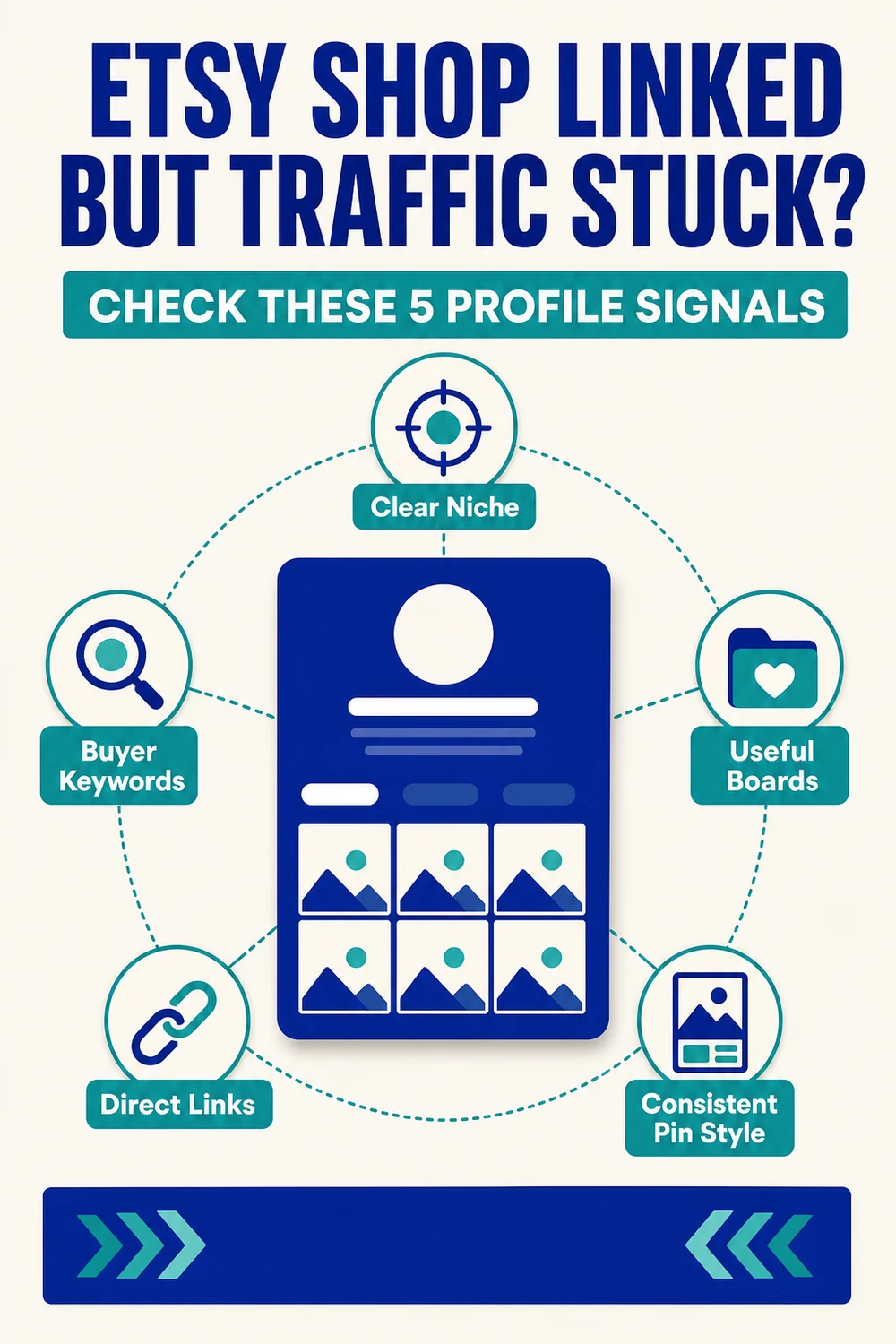
- Clear niche: the profile description says who the content helps and what topics it covers.
- Buyer keywords: board names, Pin titles and descriptions use plain phrases that match the content.
- Useful boards: each active board has one understandable subject and enough relevant Pins to be useful.
- Direct links: every Pin has a working destination that matches its promise.
- Consistent Pin style: designs feel related without becoming near-duplicates. Keep the palette consistent while changing the information structure.
Do not judge a new content batch after only a few hours. First confirm that the setup is correct, then monitor impressions, saves, Pin clicks and outbound clicks over a reasonable test period. If impressions appear but clicks do not, improve the visible problem and outcome. If clicks appear but the next page does not perform, fix the destination match.
Frequently asked questions
Can I claim my Etsy shop on Pinterest?
Usually no. Pinterest says most marketplace shops cannot be claimed because sellers cannot edit the marketplace source code. You can still add your Etsy shop link to your profile and link Pins directly to listings.
Should every Pinterest Pin link to my Etsy shop homepage?
No. Link a product Pin to its listing and a category Pin to the matching shop section. Use the homepage only when the Pin represents the whole shop.
Can several Pinterest Pins link to the same Etsy listing?
Yes, when each Pin answers a different relevant buyer question and the listing supports every promise. Use different visual structures and helpful descriptions rather than repeating one design.
Your next step
Choose one active Etsy listing. Build one relevant board, one clear Pin and one direct listing link. Publish it, test the public click and record the result before expanding the batch.